
Searching Cases by Name
The free statewide tool is the Wisconsin Circuit Court Access portal. Most people know it as WCCA or CCAP. It searches public circuit-court summaries from every Wisconsin county at once. A bare name can pull broad or lookalike results. An Oconto County case search should add the county filter. Then compare case type, filing year, party role, status, disposition, and scheduled activity until the docket entry fits the person. Remember the limits. A charge entry is not a finding of guilt. A shared name alone never proves the result concerns the right person.
- Open WCCA and choose the appropriate public search.
- Enter the last name and first name, or a business name when that is the party.
- Select Oconto as the county and narrow by case type or date when useful.
- Compare the case number, party role, filing date, and status before opening a result.
- Open the summary and review Court Activities for public scheduled events.
| Documented field | Type | Use | Caution |
|---|---|---|---|
| Party name | Text | Last, first, middle | Similar names require careful matching |
| Business name | Text | Organization party search | Use the filed business name |
| County | Selection | Choose Oconto | WCCA otherwise searches statewide |
| Case number | Text | Direct case lookup | Enter the actual court number |
| Birth date | Date | Possible narrowing field | Do not republish private identifiers |
Oconto County WCCA Search Fields
Wisconsin court materials list party name, birth date, business name, county, and case number as the search inputs. The WCCA interface changes over time. Labels and controls may shift even as the search logic stays familiar. Choosing Oconto in the County field is the key local step. The county Clerk's own instructions say the same thing. Enter a first and last name, pick Oconto, and scroll down to Court Activities for upcoming events.
The Wisconsin Court System case-search page lays out the official statewide service. That page shows the government search starting point without reproducing any private party's result.
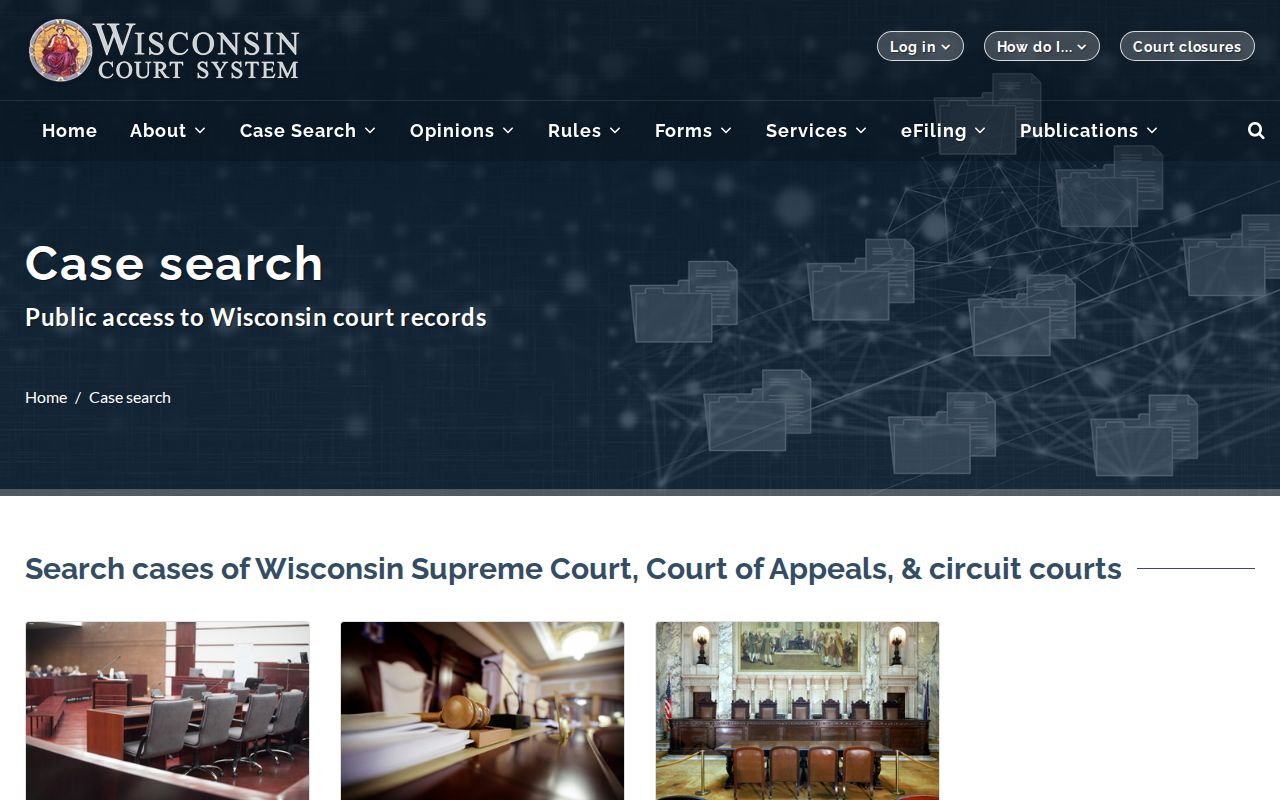
Starting from the official entry point keeps things clean. It separates WCCA public summaries from paid filing accounts, municipal payment pages, and unofficial search services that only look official.
Searching by Case Number
Nothing beats a case number for an Oconto County case search. It points to one court file instead of a crowd of similar names. Wisconsin circuit numbers generally combine three parts. These are the filing year, a case-type code, and a sequence, like 2026CF000123. In that example, 2026 is the filing year. CF marks a criminal felony category. The final digits are the sequence the court assigned. Other common codes are CM for criminal misdemeanor. CT is for criminal traffic, CV for civil, FA for family, and SC for small claims.
Use the exact number printed on the filed notice, order, or circuit citation. Do not invent missing zeros or assume a municipal citation number follows the same pattern. If WCCA rejects the number, run the party search with Oconto selected. Then confirm the digits with the Clerk of Circuit Court.
When Oconto County Results Are Missing
A blank result is not proof that nothing exists. The search may be pointed at the wrong court, an older record may never have been backloaded into CCAP, or a name may have been spelled differently when the docket was created. Some fields were simply not required back then. Sealed, confidential, expunged, juvenile, and other protected matters can be missing or masked too. WCCA itself calls its data a snapshot rather than a complete official file, so treat an empty search as a first pass, not a verdict.
Try the jurisdiction first: check whether the paper names Oconto County Circuit Court, a municipal court, a Wisconsin appellate court, or a federal court before changing spellings repeatedly.
Still stuck? Call the Oconto County Clerk of Courts at 920-834-6859. Or visit the first-floor counter in Building C at 301 Washington Street, Oconto. The counter generally operates Monday through Friday, 8:00 a.m. to 4:00 p.m. There is no confirmed public-terminal policy for the courthouse. Phone ahead before counting on computer access there.
What a Case Search Returns
A WCCA result is a case summary, nothing more. Public fields can show the county, branch, case number, type, filing date, party role, status, disposition, and future Court Activities. Criminal summaries may include public charge and plea data. Civil summaries may list motions, hearings, judgments, and party roles. The exact mix varies with case type and access restrictions.
| Case number and type | The court identifier and category, such as CF, CM, CT, CV, FA, or SC. |
|---|---|
| Filing or open date | When the circuit matter entered the court system. |
| Court and branch | The Oconto County Circuit Court assignment shown in the summary. |
| Case status | A public status field that must be read with later activities and disposition. |
| Court Activities | Scheduled public events such as an initial appearance, pretrial, hearing, or trial. |
| Disposition or judgment | The public outcome entry when available, not a substitute for the signed document. |
A Court Activity is only a scheduled event, not proof the proceeding happened. Hearings move, so recheck the docket summary and call the clerk before you travel.
From Oconto Search to Court File
WCCA finds a case. It is not a library of every complaint, order, exhibit, or transcript. With the case number in hand, the Oconto County Clerk can pull the official court file and say whether a given document is public. The county wants copy requests in writing. State the case number, the documents sought, and your contact information.
Deliver requests in person. Mail them to Oconto County Clerk of Courts, 301 Washington Street, Oconto, WI 54153. You can also fax them to 920-834-6867 or use the county-linked email form. Looking is free during normal hours. Copies cost $1.25 per page, certification runs $5 per document, and mailing adds $2, all subject to current confirmation. Read the full Oconto County court records process before ordering. A transcript is a separate request routed through the court reporter or clerk.
Statewide vs County Case Search
Wisconsin runs one statewide WCCA public search for circuit cases, so Oconto County keeps no separate circuit docket database of its own. The county layer matters anyway. It supplies the county filter, local clerk help, and access to the official file. Other court levels run on different systems entirely.
| System or office | What it covers | Best use |
|---|---|---|
| WCCA | Public Wisconsin circuit case summaries | Search an Oconto circuit case by number or party |
| Oconto County Clerk | Official circuit court files and copies | Inspect or request a specific filing or certified copy |
| WSCCA | Wisconsin Court of Appeals and Supreme Court cases | Track a confirmed state appeal |
| Municipal clerk | Local ordinance, parking, and municipal traffic cases | Check a citation with the named city, village, or joint court |
| PACER | Federal cases, including the Eastern District of Wisconsin | Search a federal case assigned to the Green Bay Division |
Oconto Municipal Cases Stay Local
Oconto County runs two separate court systems. The municipal courts in Oconto, Oconto Falls, Gillett (a joint court), Lena, and Suring each keep their own records. There is no countywide municipal database. Their online payment tools can take your money, but they will not show you a docket or hearing dates. Check the court name printed on your citation, then call that municipal clerk directly for status, dates, or copies.
An appeal from a municipal court moves to circuit court for a trial de novo under Wisconsin law. The new circuit case may then appear in WCCA. The original citation does not travel with it, though. That local ticket stays a municipal record. That is why a City of Oconto citation can go missing from an otherwise solid Oconto County case search.
Access and Restricted Cases
Wisconsin opens most court records to the public. Statutes, court rules, and individual court orders all carve out exceptions. Juvenile files get special protection under Wis. Stat. §938.396. Sealing might hide one party name, a single docket entry, or a whole case. Expunction can change what remains public. Family matters, paternity, domestic-abuse records, protected addresses, and the identities of victims, witnesses, and jurors may be withheld or redacted, along with financial information.
So the Oconto County Clerk may hold a record that cannot be displayed. It may release only a redacted version. Do not guess at hidden facts from a sealed indicator. Public summaries can lag or run incomplete. When accuracy truly matters, check any docket result against a clerk-confirmed or certified record.
Oconto County Search Accessibility
If an online docket search is not workable for you, the clerk's phone line and public counter both work fine. Oconto County's Language Access Plan covers interpreter requests, language help, ADA access, and a complaint process. Ask the Clerk of Courts or court staff early. Do this if you need assistance with a search, a request, or a hearing. Never send sensitive health, identity, or accommodation details through an unconfirmed public form.
A plain approach usually serves best. Name the court. Write down the case number if you have it. State the exact document or hearing you want, and confirm how the answer will reach you. County holiday closures and procedures shift over time, so verify hours before visiting in person.
Official Oconto County Search Checks
Start with the Oconto County Clerk page. It confirms local contact details and the public case-search route. The county's Circuit Court page identifies the trial court and its branches. When you need a summary turned into an official document, follow the county's court-record copy instructions. These county sources finish the WCCA path. They do not treat the statewide display as the official file.